
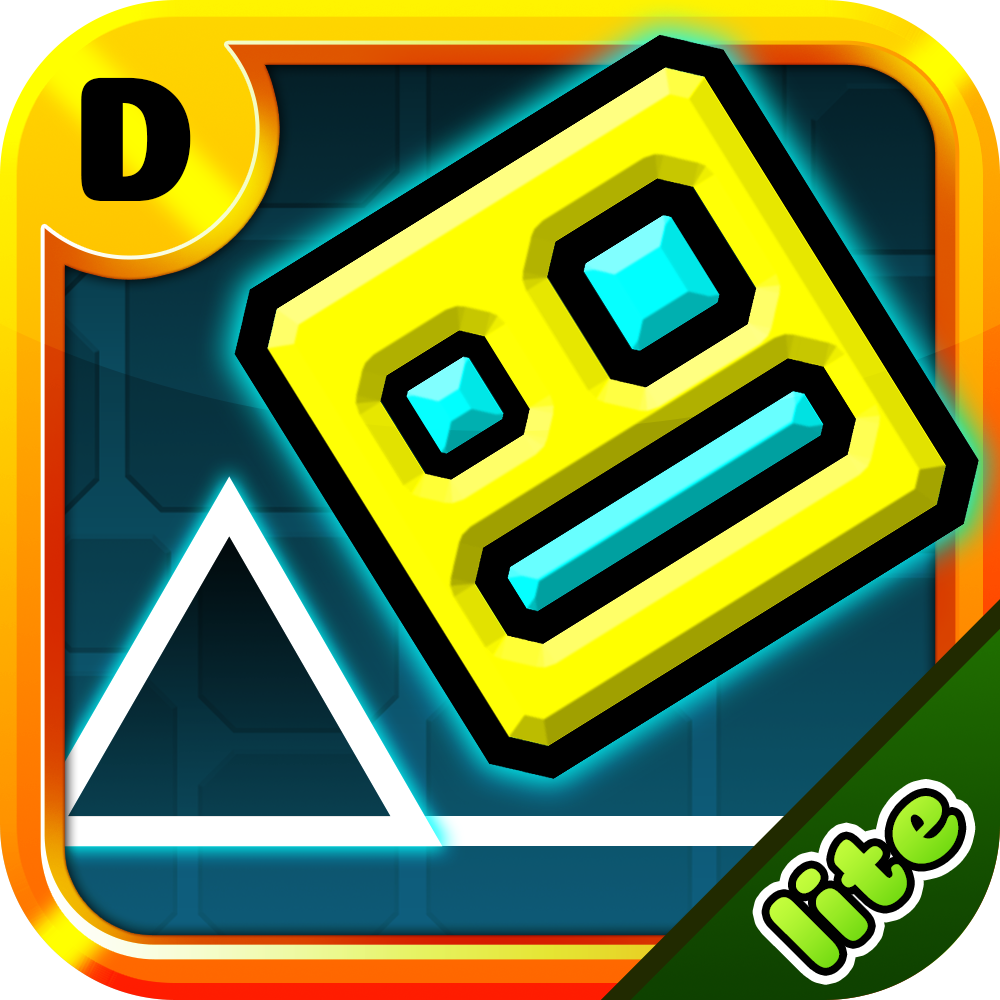
I’ve reached the stage in Geometry Dash where I can identify a level just by hearing the first two seconds of the song.
How to Control
You only need one finger (on mobile) or the left-click/spacebar (on PC):
-
Tap/Click: Your character jumps.
-
Hold: Your character jumps continuously or flies upward (when in a vehicle like the Ship).
-
Release: Your character falls back down.
Key Game Information
While playing, you will encounter objects that change how you move:
-
Orbs (Jump Rings): When your character touches these in mid-air, tap again to perform a "double jump."
-
Pads: You don't need to tap. Just touch them, and your character will automatically bounce up.
-
Portals: Pass through these to transform. For example, the Ship portal lets you fly, while Gravity portals flip you to the ceiling.
Rules for Survival
-
Avoid sharp objects: Touching any spike or jagged edge will make you "explode" instantly.
-
Look ahead: Don't just watch your character. Look slightly to the right of the screen to prepare for the next jump.
-
Listen to the music: The jumps are synced to the drum beats. Tapping along with the rhythm makes the levels much easier to beat.
Pro Tip for Newbies
If a section is too hard, pause the game and select Practice Mode (the green diamond icon). This mode lets you place checkpoints so you can practice difficult parts repeatedly without starting the whole level over.

 Arabic
 French
 Spanish
 Portuguese
 Deutsch
 Turkish
 Dutch
Dutch
 Italiano
 Russian
 Romaian
 Portuguese (Brazil)
 Greek
Greek